
Mail Settings
Metrics & Logs allows you to configure various settings for email transport. You can use the default internal mail relay on localhost:25, or you can configure your own email relay.
To set up your own email relay:
- Click the Appliance Settings icon
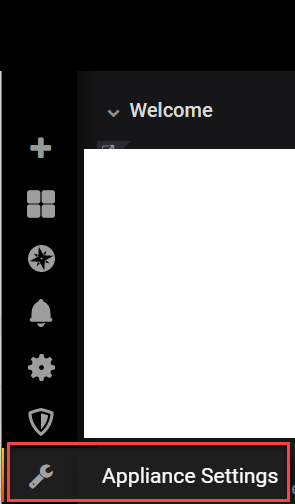
- Click Infrastructure > Mail.
The Mail settings screen appears.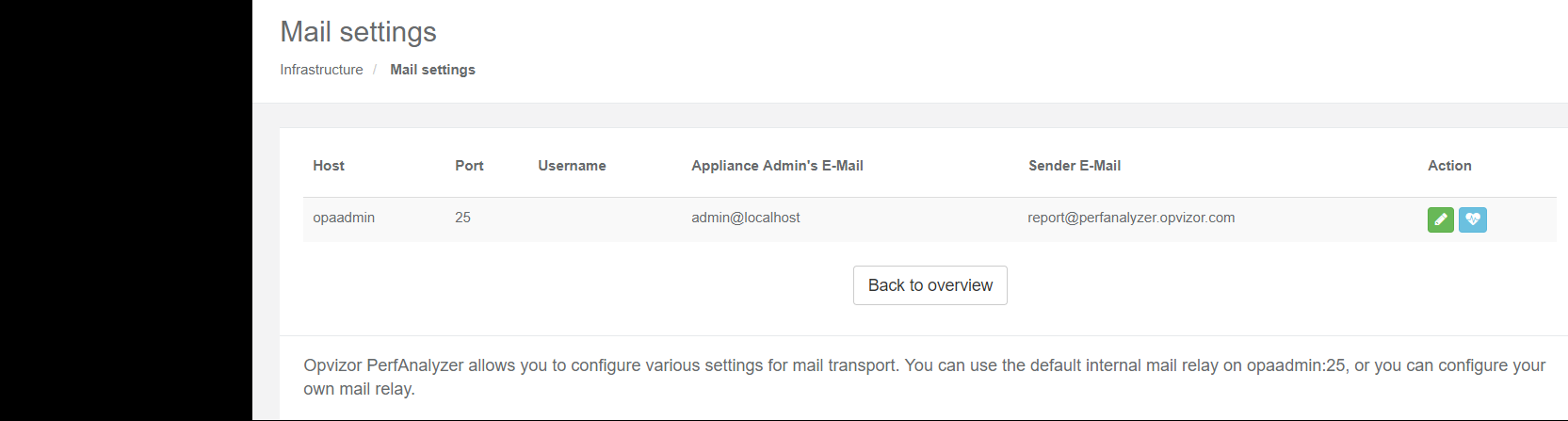
- Click the green edit button
 to the right of the example email.The Edit Mail dialog appears.
- Enter:
- Mail server hostname. Use localhost for the integrated mail server.
- The TCP Port number (25, 587, 465) Default is 25, the integrated mail server.
- Username. Add if needed by your mail server.
- Password. Add if needed by your mail server.
- Destination Email address
- From Email address. Only change if needed by your mail server.
- Click Save button
Comments
0 comments
Article is closed for comments.